
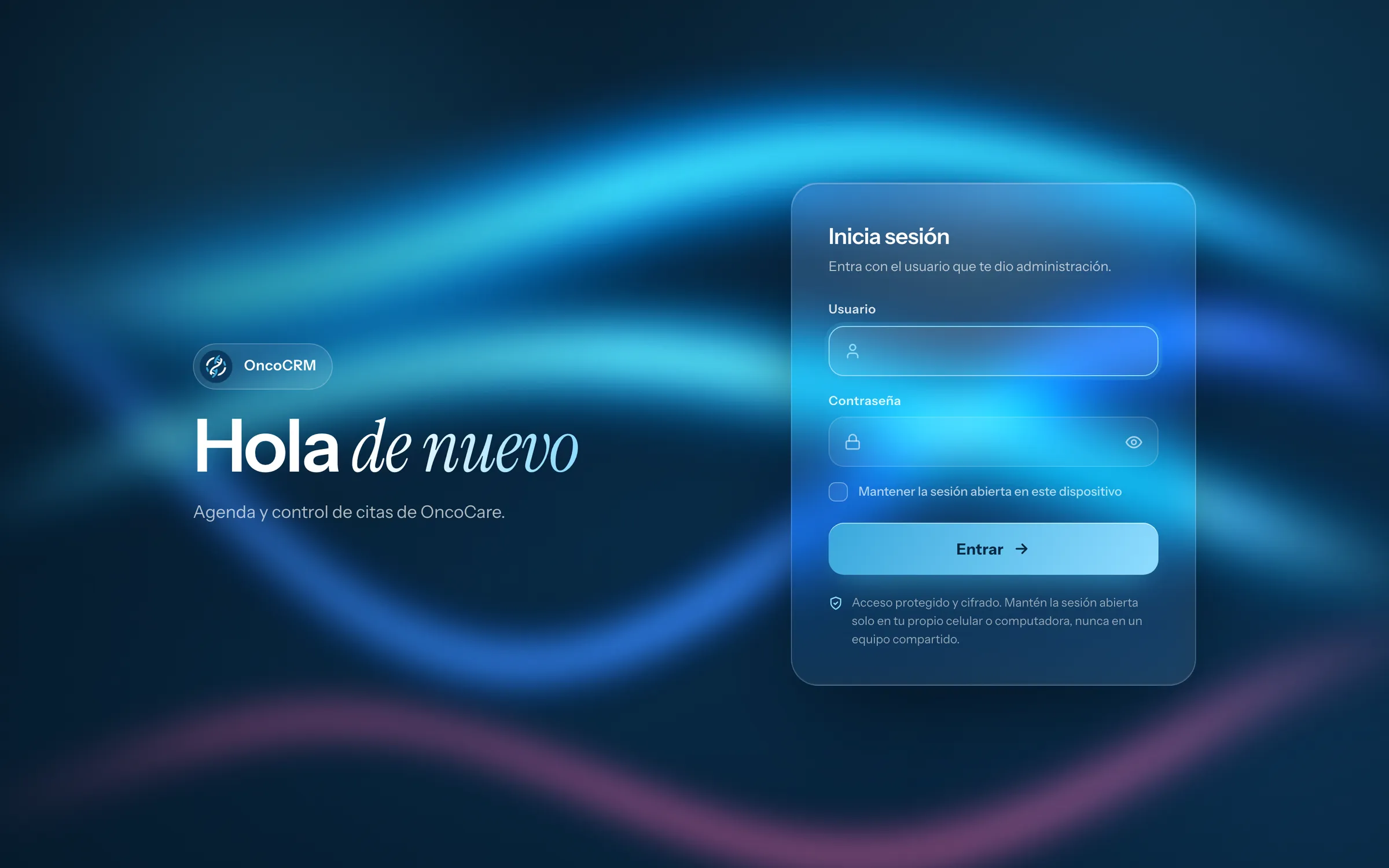
OncoCRM: appointment scheduling and tracking software for oncology clinics
OncoCRM
Web development / Custom software
PHP · JavaScript sin dependencias · MySQL · PWA instalable · WordPress (integración)
OncoCare's appointment calendar and tracking system: it takes requests from the website, books them with a doctor and location, follows the day at the clinic and notifies each doctor by email. Three roles, six appointment statuses and two locations in one system.
- Scope of work
- Web development / Custom software / Appointment process analysis / Interface design / Custom development / MySQL database / Installable app (PWA) / WordPress site integration / Email notifications with calendar invites
- Technology
- PHP / JavaScript sin dependencias / MySQL / PWA instalable / WordPress (integración)
- Client
- OncoCare
- Year
- 2026
01
What software does an oncology clinic use to schedule appointments?
OncoCRM is OncoCare's appointment calendar and tracking system, custom built for its San Salvador and San Miguel locations.
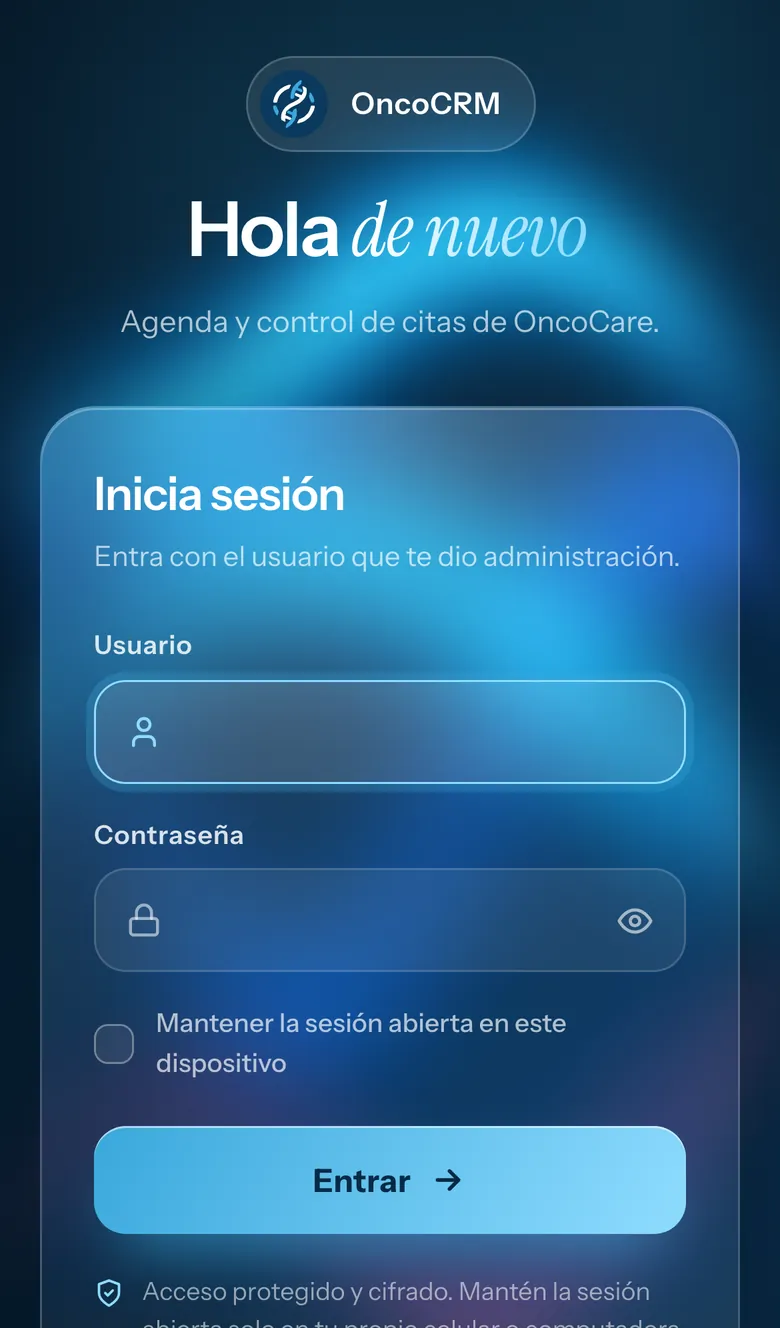
It is used by the clinic's administration, front desk and doctors, each one seeing what they need and nothing more. It opens in the browser or installs on a phone like an app.
Before, the website's appointment form ended in a WhatsApp chat: requests got mixed with conversations, nobody knew which ones were already booked and each doctor depended on someone to tell them.
02
How do you move website appointment requests into a calendar instead of WhatsApp?
Every request from the website goes straight into a CRM inbox, with the reason for the visit, location, preferred date and time of day.
The front desk sees it right away, calls or sends a pre-written WhatsApp message and books it with a doctor, date and time. If a submission ever fails, the site offers WhatsApp as a fallback, so no request is lost.
The public form has a bot trap field, limits per IP, per hour and per phone number, and duplicate checks.
03
How do you track the day at a clinic: who arrived, who is in the waiting room and who did not show up?
Every appointment moves through six statuses: requested, confirmed, in the waiting room, seen, no-show or canceled.
The front desk has its day step by step: arriving, in the waiting room and done, with delays and waiting times. An «Arrived» button moves the patient to the waiting room, and the list to confirm comes with the WhatsApp message already written.
The calendar shows a day, week or month, filtered by doctor and location; clicking an open slot creates an appointment. If two appointments overlap, the system warns you, and also if someone else edited the same appointment at the same time. Every 60 seconds it checks for new requests and updates the day's progress.
04
What roles and permissions does a medical appointment system need?
Three roles, and every permission is checked on the server, not just on screen.
Administration sees everything: appointments, requests, users, doctors, a log of the last 300 actions and the Excel export.
The front desk books, confirms and reschedules appointments for every doctor and handles the request inbox. It can discard spam, but it cannot delete an appointment that is already booked.
Each doctor sees only their own appointments, their next patient and their results, and can only mark them as confirmed, seen or no-show. Doctors do not see requests or their colleagues' contact details.
05
How do you notify each doctor about their appointments without giving them access to everything?
Every change reaches the doctor by email, with a calendar file and a link to add it to Google Calendar.
There are five notices: new appointment, change, cancellation, reminder and test. If an appointment is reassigned, both doctors are notified. The email never includes the patient's phone number or notes.
06
What metrics should a clinic's management see?
A dashboard that compares the current period with the previous one: 7, 30 or 90 days.
Attendance, doctor ranking, reasons for visits, where appointments come from (website or front desk) and activity by location, with custom charts that load instantly.
How was OncoCRM built?
PHP and JavaScript with no framework or dependencies, on MySQL, installable on a phone as an app (PWA).
Six tables, 19 API actions and about 4,900 lines of code, built so the clinic does not depend on licenses or third-party platforms.
Hashed passwords with a mandatory change on first login, sessions with secure cookies, protection against forged requests on every action, limits on repeated login attempts and strict security headers. The Excel export is protected against malicious formulas.
We connected it to OncoCare's WordPress site: the appointment form sends each request straight to the CRM.
Live project