Interface design for TBOX, a drawing program for children in the TBox school program
TBOX
UI/UX design / Web design
Interface design for TBOX, the drawing and activity workshop of the TBox school program in El Salvador: twelve drawn tools, a stamp library and activity sheets that load straight onto the canvas.
- Scope of work
- UI/UX design / Web design
- Client
- TBox
- Year
- 2024
How do you design a drawing program for children?
TBox is an educational technology program present in schools in El Salvador. It reaches students, teachers and families through technology classes, its school platforms and its own app. TBOX is the drawing workshop inside that program: the piece the child opens in class.
We designed that workshop: a complete drawing and activity space made for hands that are still learning to hold the mouse, and for readers who are still learning to read.
What we did
What tools does a classroom drawing app need?
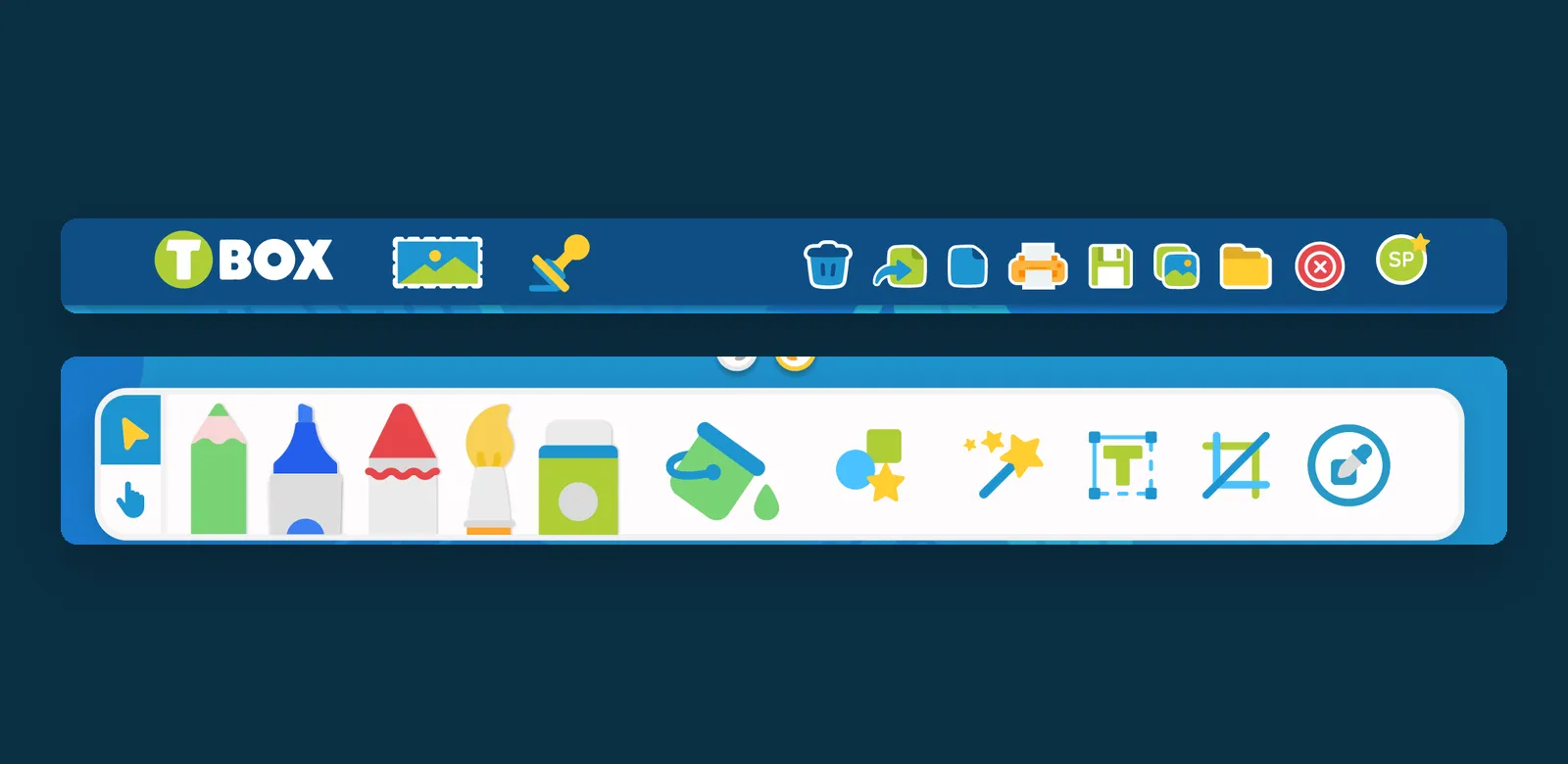
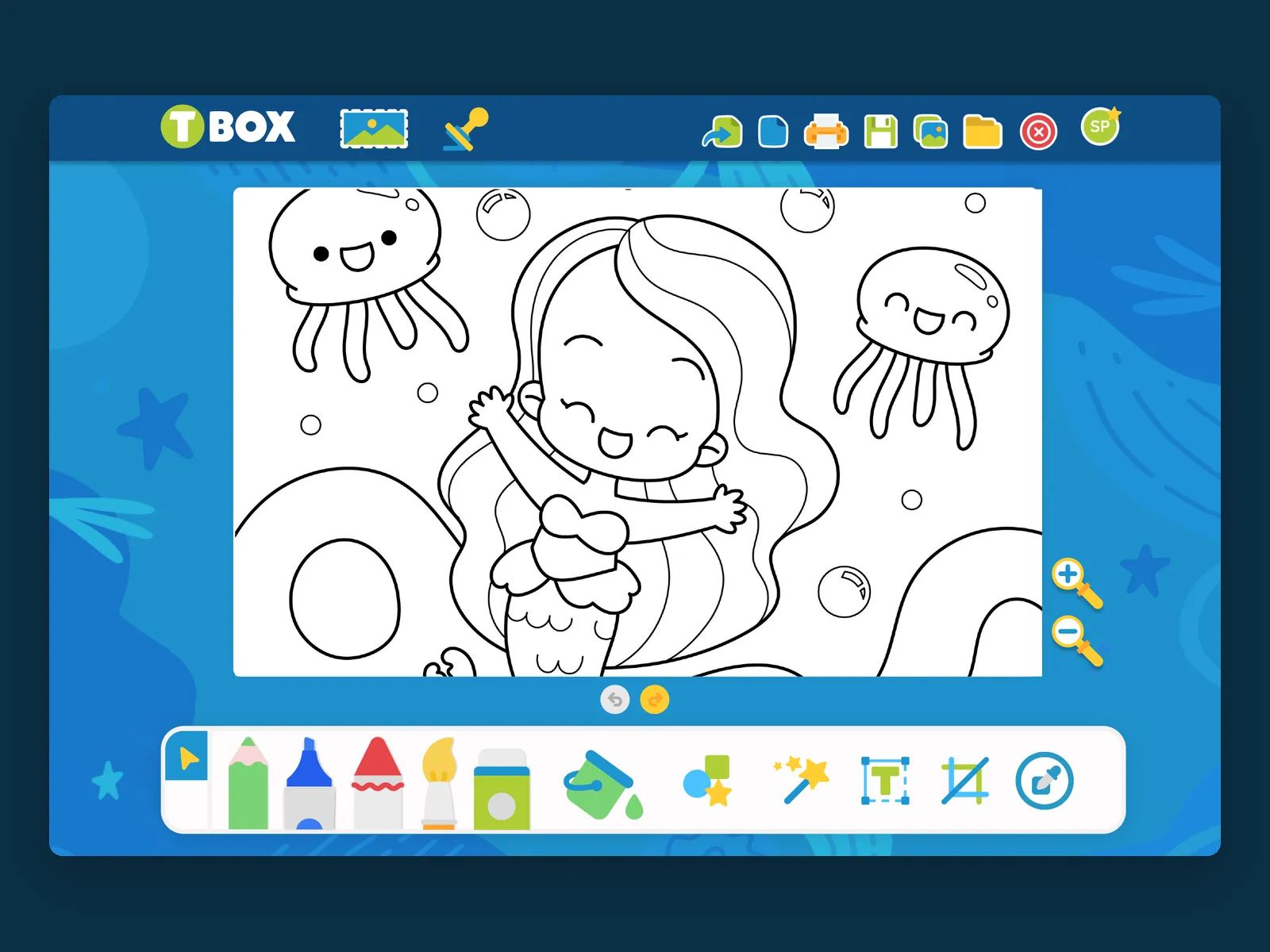
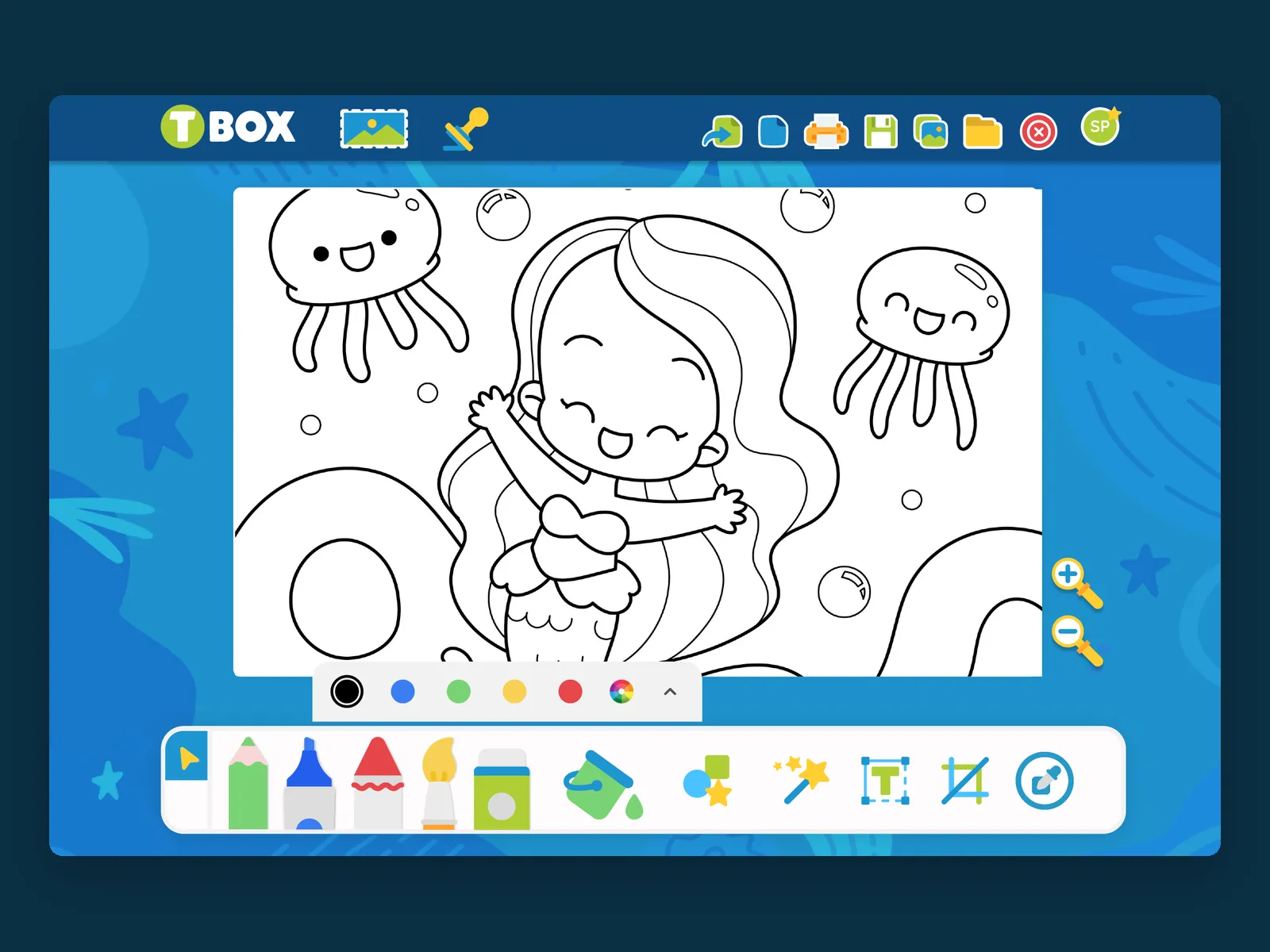
Every control is an object, not a word. The bottom bar gathers twelve drawing instruments the child recognizes at a glance — pencil, marker, crayon, brush, spray, paint bucket, shapes, magic wand, text, crop and eyedropper — and the actions at the top are a trash can, a printer, a floppy disk, a folder. There are no menus, no dialog boxes, nothing hidden two levels down: what you can do is what you see.
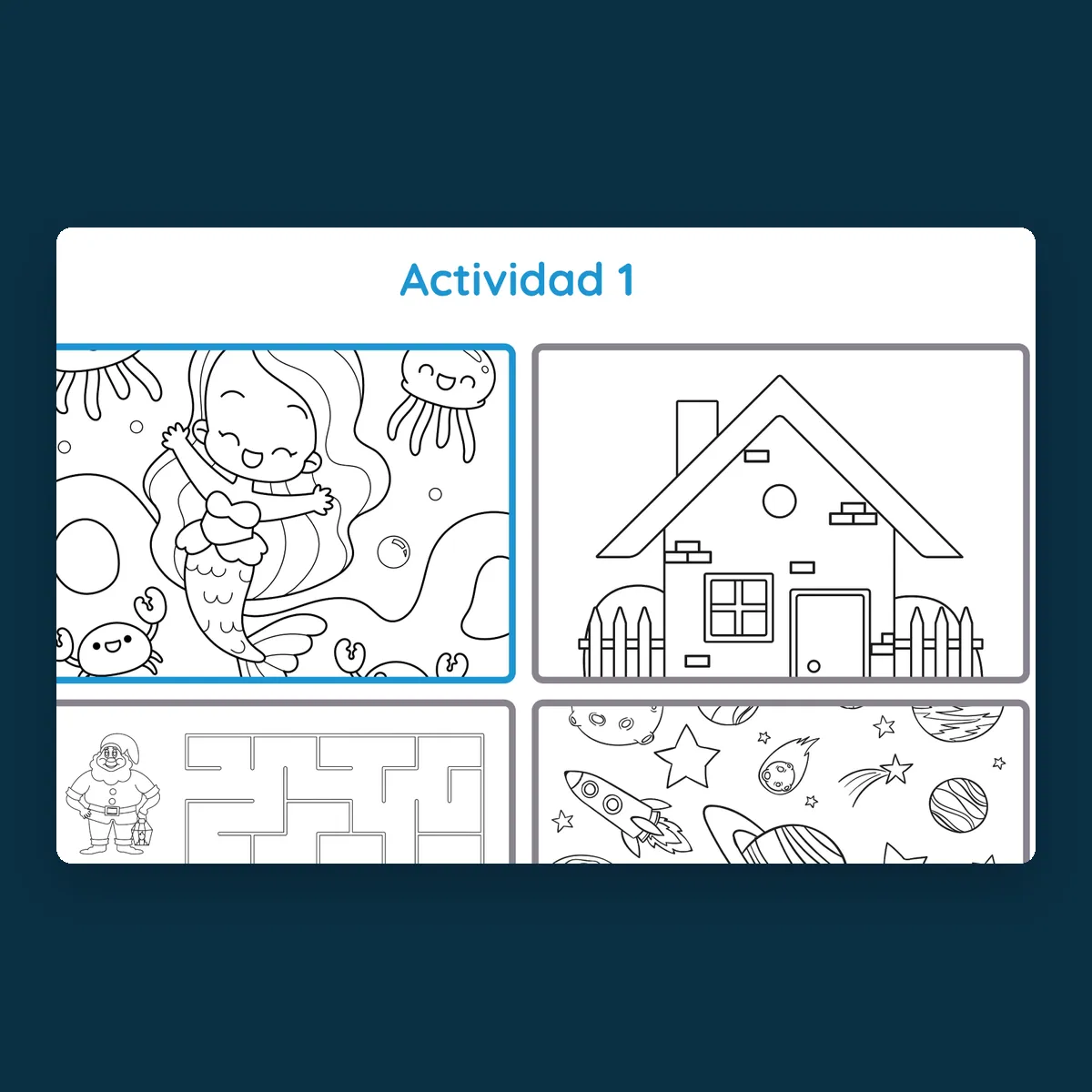
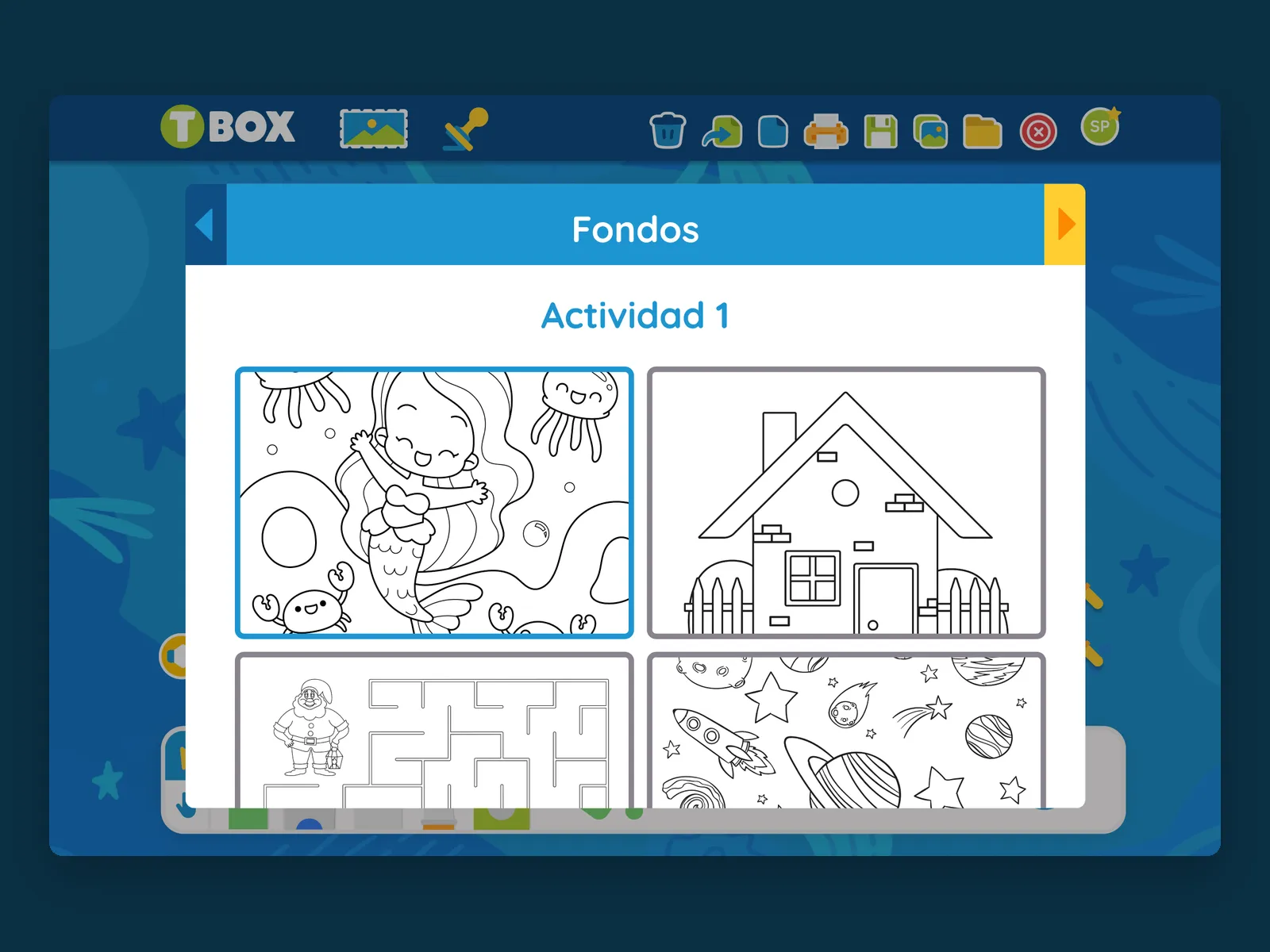
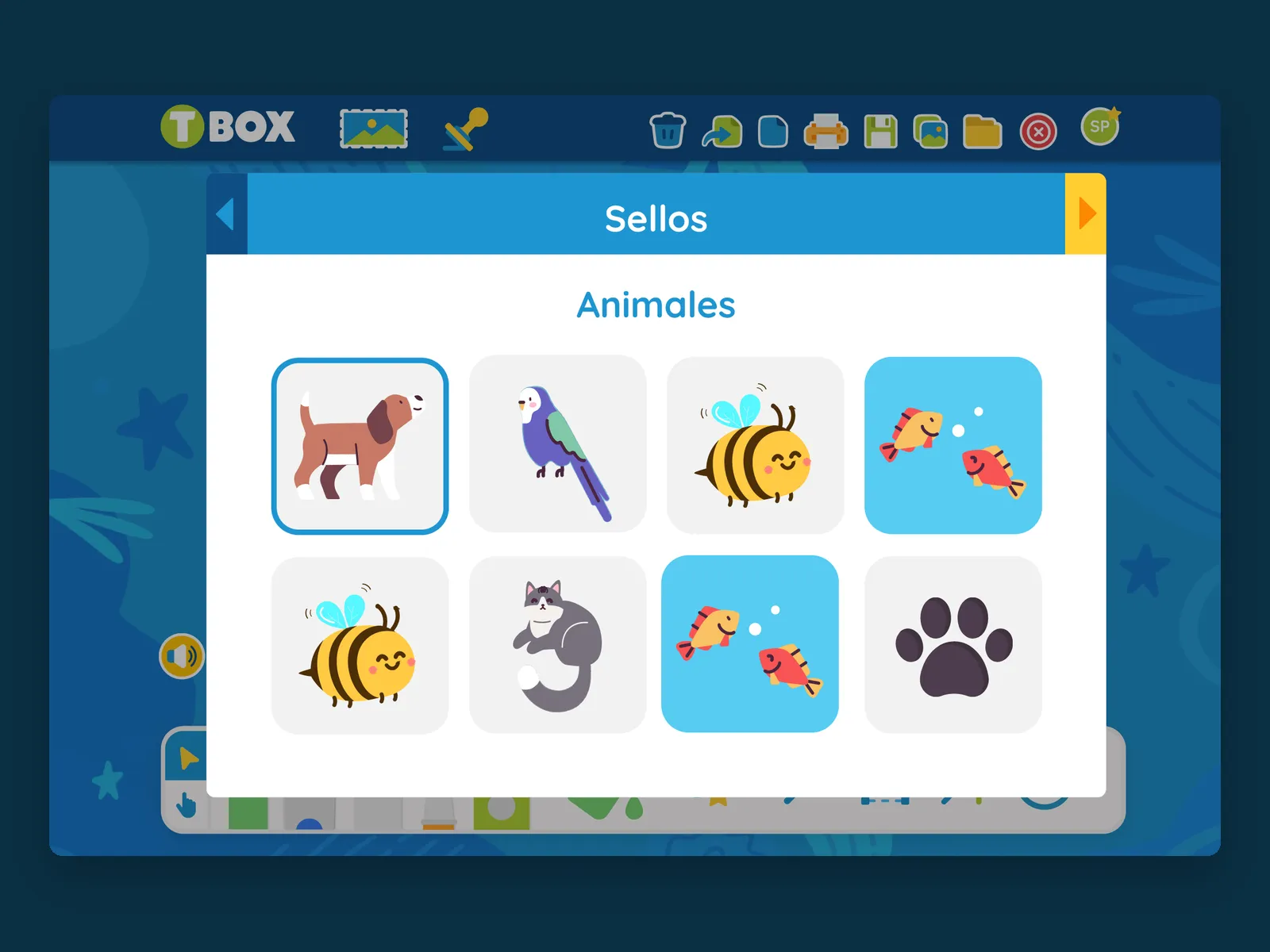
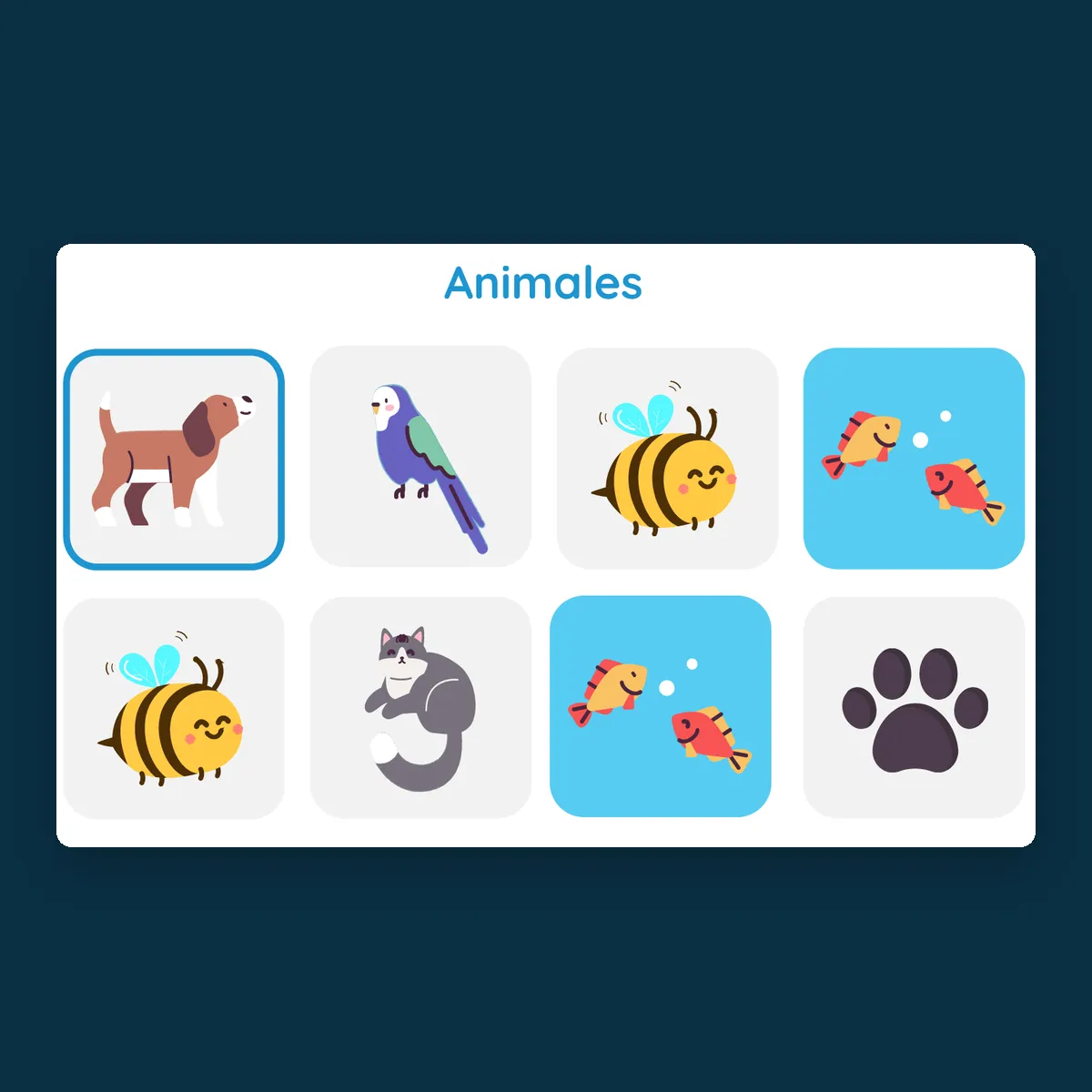
Two libraries carry the class. Stamps is a catalog organized by theme, starting with animals, so the child can build a scene without having to draw every element. Backgrounds loads the day's activity straight onto the canvas — a coloring sheet, a maze, a house, a space scene — each one ready to fill in. Color is kept short on purpose: five colors at hand and a wheel, opened from the tool itself instead of taking up a fixed panel, so the canvas doesn't give up space to the frame.
Put a real creative tool in a child's hands without a single word of interface to read.
Let the teacher leave the day's activity on the canvas, so the drawing workshop and the class are the same screen.
The result
How do you simplify an interface for elementary school kids?
TBOX gives the child the whole page, and only the tools they already know how to name.